



RETAIL NOTES · 26 OCTOBER 2026
Furniture product data for online retail: build the listing without guessing
A reliable product page begins with one approved record that connects the correct photographs, specifications and customer-facing information.
Online furniture buyers cannot examine a piece in person before ordering, so retailers need product information that is clear and traceable. The safest way to prepare a listing is to create one source record for every design and variation. That record should show what has been confirmed, what still needs approval and which photographs belong to the exact product.
Give every product and variation a unique reference
Start with an internal reference that follows the product through the enquiry, quotation, sample review and listing preparation. If the design is offered in more than one size, finish or upholstery, give each variation its own line. Avoid using one set of details across several visually similar products unless the information has been confirmed for each one.
Organise the range by useful categories such as seating, dining tables, cabinets and sideboards and coffee and side tables. The category helps customers browse, while the unique reference keeps the underlying information accurate.
Separate visible evidence from confirmed specifications
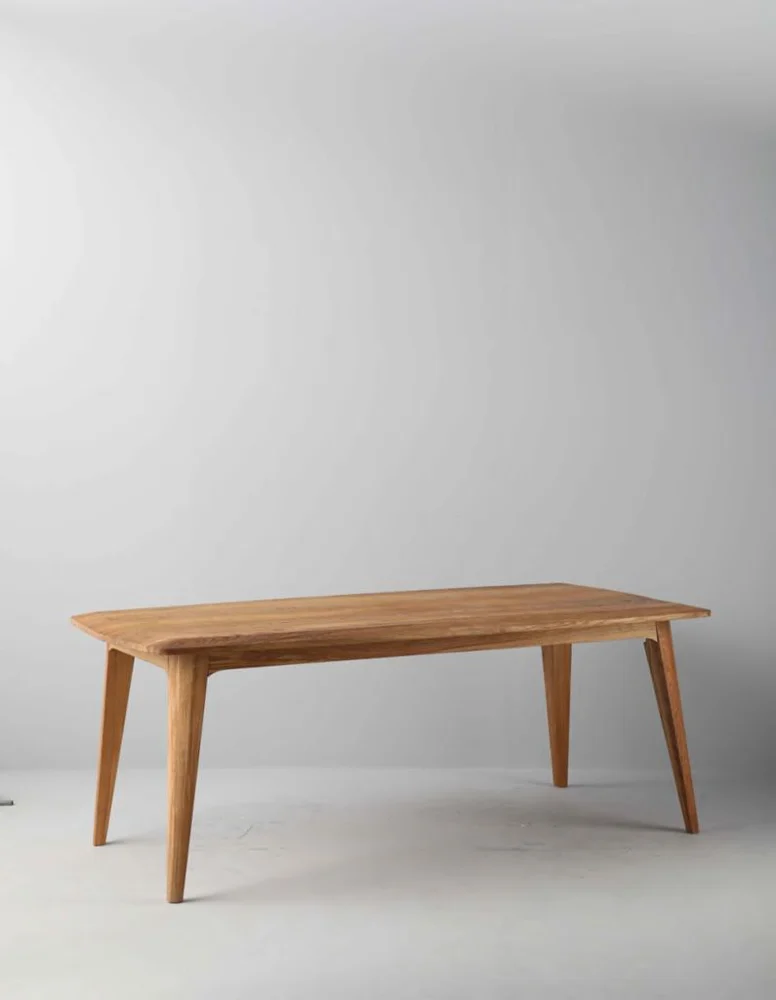
A photograph can show the form, colour direction and visible details of a product. It cannot reliably confirm dimensions, wood species, internal construction, coating, upholstery performance, weight, stock or delivery availability. Keep those fields in the written specification record and identify who confirmed them and when.
If a styled or generated view illustrates an unmanufactured option, label it as a design concept in internal review and confirm feasibility before using it as a product listing. Do not present an inferred rear, side or construction detail as manufacturing evidence.
Build the minimum useful data set
For each listing, collect the approved product name, category, dimensions, materials, finish or colour variation, included components and any assembly information that has been confirmed. Add the selected images, their sequence and concise alt text describing what is genuinely visible.
Where relevant, include care instructions, intended use, packing information and customer-facing warnings only after they are confirmed for that model and market. Certifications, performance statements and environmental claims require their own supporting evidence; they should never be copied from another product or inferred from appearance.
Match photographs to the exact variation
Choose a clear main image that shows the complete product, followed by genuine alternate views and useful details. A crop is a closer look at the same source image, not a new camera angle. Keep finish and construction consistent across every view, and do not combine photographs from different designs to complete a sequence.
Decorative objects can provide scale or context, but they should not hide important furniture details or imply that accessories are included. If screen colour may vary from the approved finish reference, state the limitation in appropriate customer-facing language.
Review the listing before release
Ask one person to compare the draft page with the approved source record. Check the title, photographs, variation names, dimensions, materials, included components and any assembly or care information. Confirm that pricing, availability, delivery wording and market requirements come from the retailer’s current commercial system.
Record the listing revision date and keep earlier approvals available. When a supplier detail or product photograph changes, update the connected fields together. This prevents a new image from appearing beside an old specification or a revised dimension from remaining only in an email.